


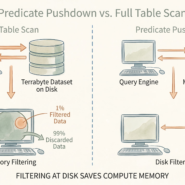
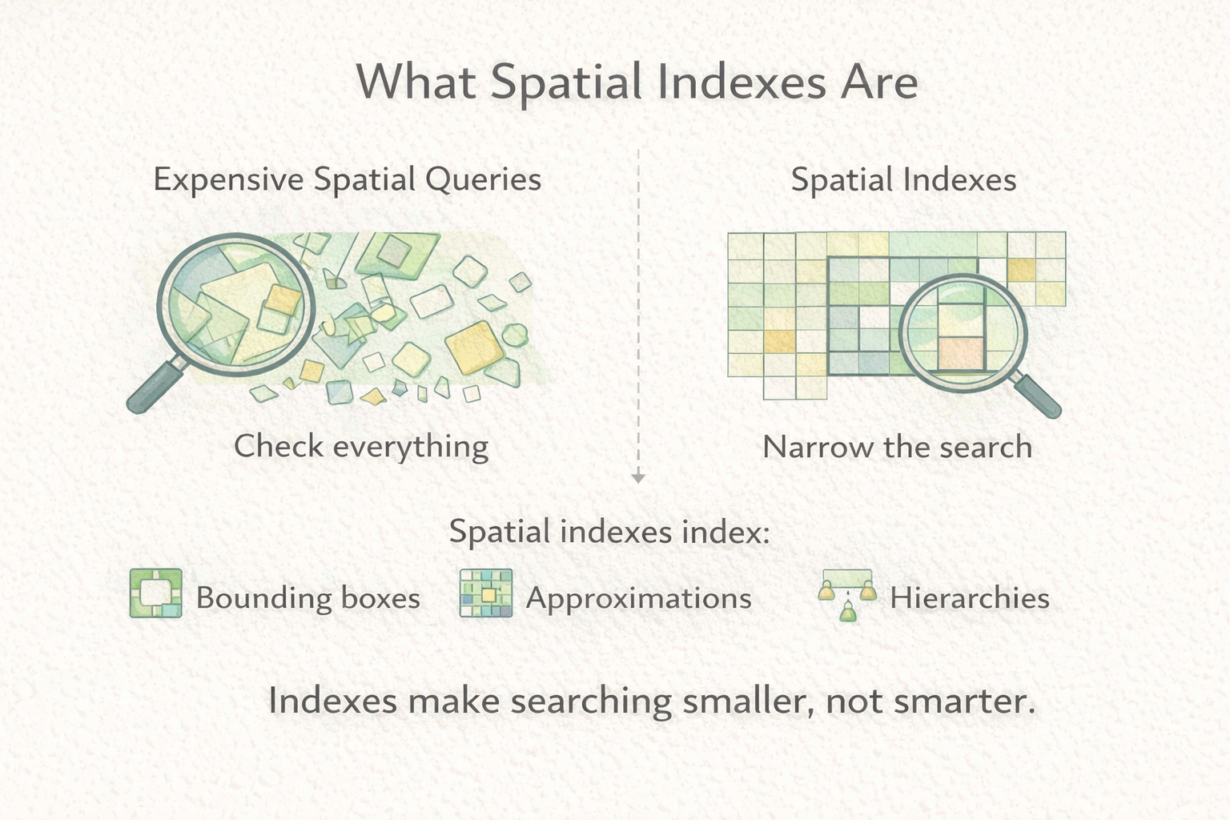

Most spatial queries are slow because they’re checking every geometry. A spatial index fixes this by making the database skip 99% of the geometries without looking at them.
A spatial index is a search structure built on bounding boxes. It doesn’t store the actual geometry. It stores a hierarchy of approximations—rectangles that contain features. When you query “find features intersecting this region,” the database uses the index to quickly eliminate features that definitely don’t overlap, then checks only the candidates. Without an index, it checks every geometry. That’s slow.
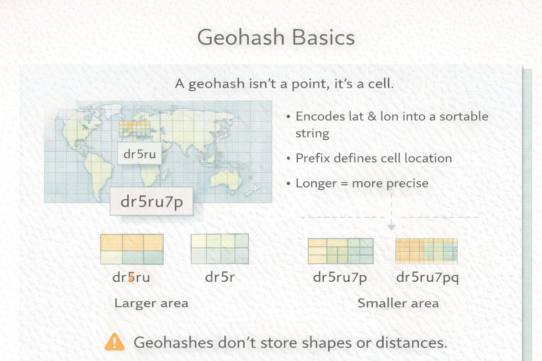
Common index types include R-trees (hierarchical rectangles), quadtrees (recursive subdivision), and grid-based indexes (fixed cells). The specifics don’t matter—what matters is that all of them work the same way: approximate first, then verify. Bounding boxes are quick to check. Exact geometry is slow. Indexes make searching narrow before doing precision work.
Spatial indexes trade memory for speed. The index takes storage space but saves query time. Worth it for most production systems. Not worth it for tiny datasets or one-off analysis.
Here’s what indexes don’t do: they don’t fix bad geometry, wrong projections, or missing data. They don’t make incorrect results correct. They just make correct queries faster.
Without an index, spatial joins crawl. With one, they fly. Most databases maintain spatial indexes automatically. But if a spatial query suddenly becomes slow, a missing or stale index is often the culprit.
The rule: Expect spatial indexes on production datasets. Create one before running expensive spatial queries. Indexes narrow search space dramatically. Check if they exist before assuming your query logic is wrong.