


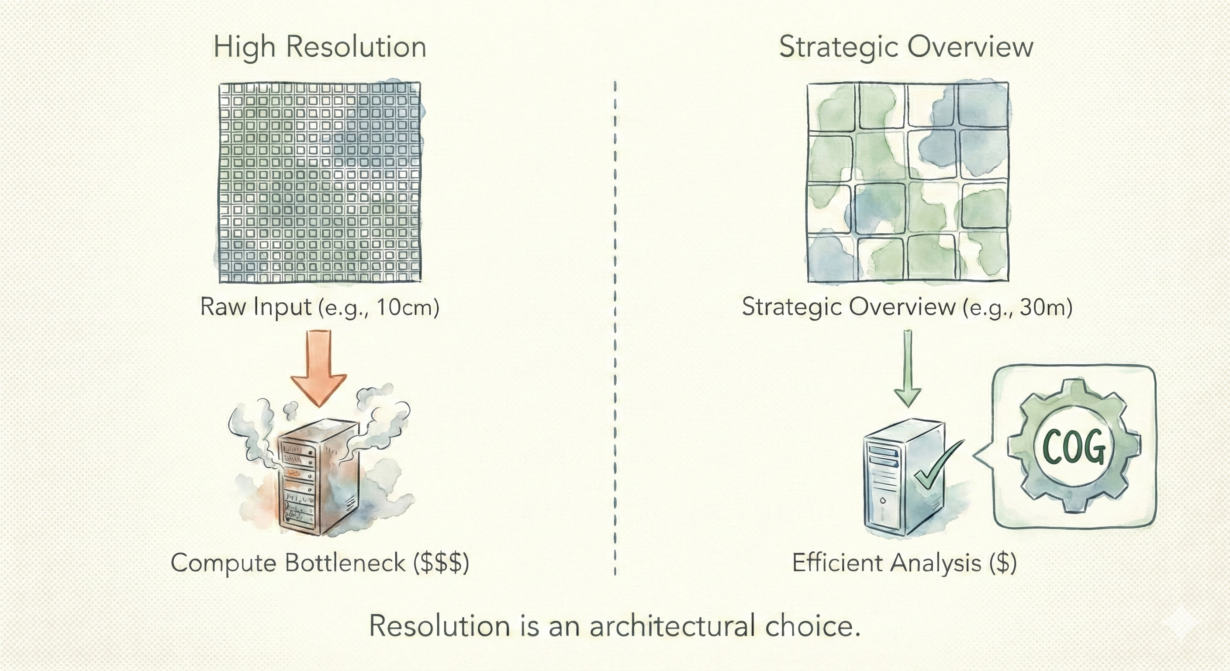

Defaulting to raw resolution because “it’s available” will drain your cloud budget while slowing your analysis. Resolution choice determines processing cost more than anything else.
Here’s the math: halving pixel size quadruples data volume. A 10-meter raster covering a region is 16x smaller than a 2.5-meter raster of the same area. In the cloud, that’s 16x more data to transfer, store, and process. Most analyses don’t need that extra precision.
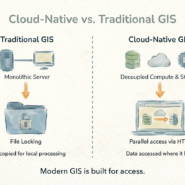
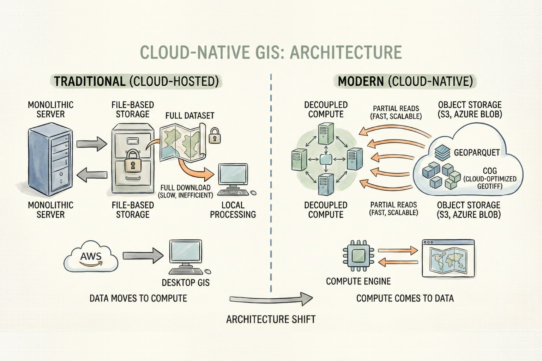
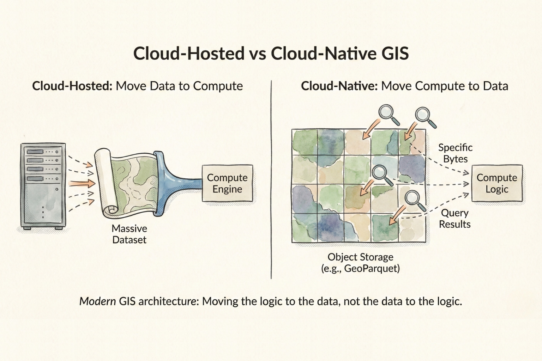
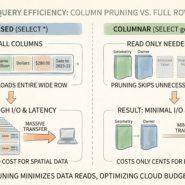
Modern formats (Cloud-Optimized GeoTIFFs, Zarr) include internal overviews—pre-computed coarser versions stored alongside the native resolution. HTTP range requests let you fetch only the pixels you need at the resolution you need, without downloading everything. This is how cloud-native systems scale. You pay for bandwidth and compute based on what you actually read, not what exists.
The mistake: assuming your query needs the native resolution. Regional vegetation analysis? 30m is fine—error at 30m is often larger than the precision you’re solving for anyway. Global landcover classification? 100m or 300m is standard. Local parcel mapping? Now 1-5m might matter.
Match resolution to your actual question. What’s the smallest feature you need to detect? What’s your acceptable error margin? What’s the processing latency budget? Start there. Fetch that resolution level. Skip the raw data entirely.
Desktop GIS hides I/O costs—you download, your machine processes. Cloud makes them explicit. A petabyte query at native resolution costs differently than the same query at overview resolution.
The rule: Query the resolution that answers your question, not the highest resolution available. If the pixel size is smaller than your error margin, you’re overpaying. Use overviews aggressively. Downsample before analysis, not after.
Whenever you’re ready, here are 4 ways I can help you grow in GIS & spatial data:
Spatial Lab – My private community where GIS professionals, data engineers, and analysts connect, swap workflows, and build repeatable systems together.
Modern GIS Accelerator – A guided program to help you break out of legacy GIS habits and learn modern, scalable workflows.
Career Compass – A career-focused program designed to help GIS pros navigate the job market, sharpen their pitch, and find roles beyond traditional GIS paths.
Sponsorship: Interested in sponsoring this newsletter (or other content)? Learn more here and fill out the form to get in touch!