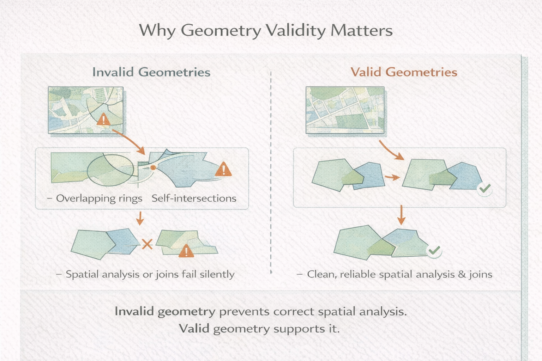



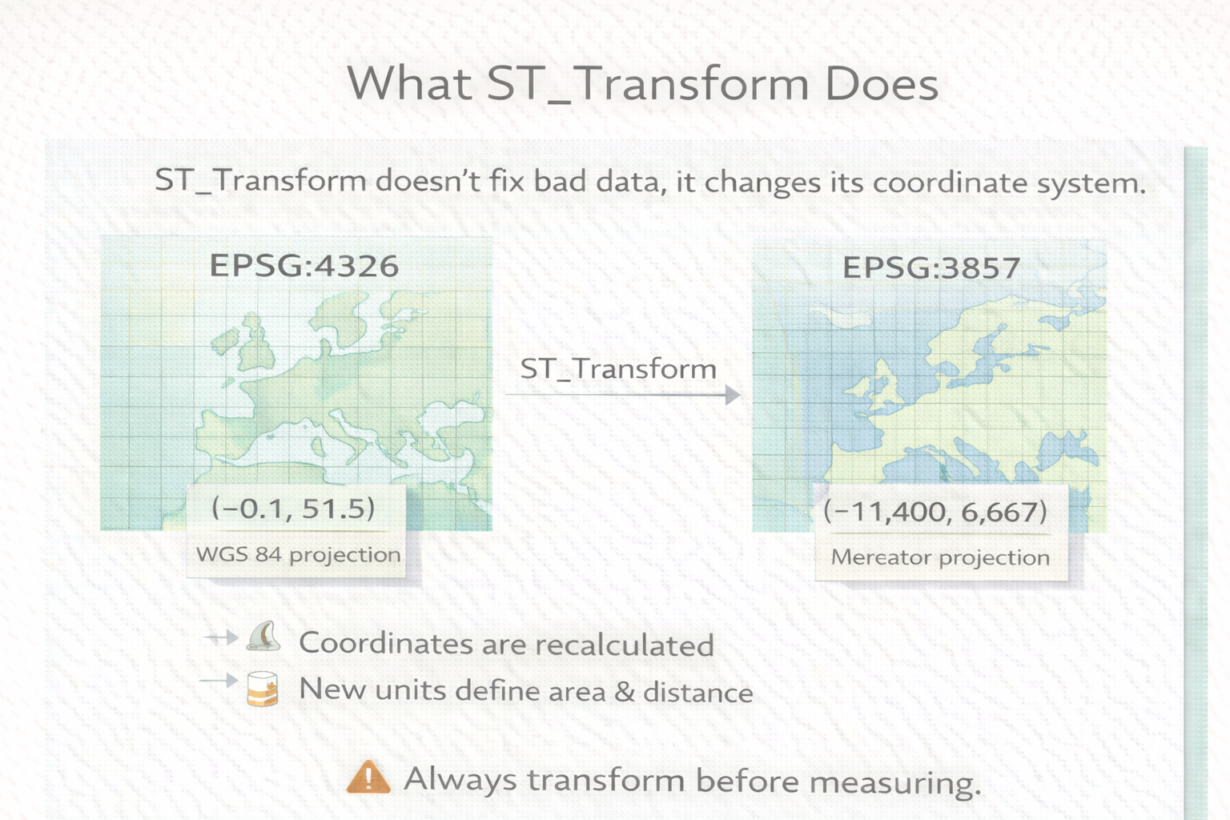

Many people treat ST_Transform as a data cleanup function. It’s not. It recalculates coordinates from one CRS to another. Bad geometry stays bad. Garbage in, garbage out—just with different numbers.
ST_Transform reprojects geometry from one CRS to another. The shape in space doesn’t change. The coordinates do. If you have a point at latitude 47.6, longitude -122.3 (EPSG:4326), ST_Transform to EPSG:2285 (State Plane Washington North) converts it to 1,267,305 meters north, 487,049 meters east. Same location. Different coordinate system. Different units.
This matters because distance and area calculations depend on units. In EPSG:4326 (degrees), distance calculations are wrong. In EPSG:2285 (meters), they’re correct. ST_Transform doesn’t fix bad coordinates it just recalculates them in a different reference frame.
The mistake: running analysis before transforming. You measure distance in EPSG:4326, get nonsense, and assume the data is bad. The data is fine. You just calculated angular displacement instead of actual distance.
Why CRS definitions matter: ST_Transform uses the defined coordinate system parameters to do the math. If the CRS definition is wrong, the transformation is wrong. But that’s rare. Use standard EPSG codes.
Transform once early, analyze many times. Don’t transform repeatedly, each transformation has tiny precision costs. Transform to your working CRS (usually a projected local CRS), then run all analysis on that.
The rule: Always project before measuring or analyzing. Check your CRS before trusting results. Transform once, early. ST_Transform doesn’t clean data, it changes the coordinate system. Different problem.
Whenever you’re ready, here are 4 ways I can help you grow in GIS & spatial data:
Spatial Lab – My private community where GIS professionals, data engineers, and analysts connect, swap workflows, and build repeatable systems together.
Modern GIS Accelerator – A guided program to help you break out of legacy GIS habits and learn modern, scalable workflows.
Career Compass – A career-focused program designed to help GIS pros navigate the job market, sharpen their pitch, and find roles beyond traditional GIS paths.
Sponsorship: Interested in sponsoring this newsletter (or other content)? Learn more here and fill out the form to get in touch!